


Housing construction

Digital snagging and quality assurance in housing construction

From the first inspection to aftercare, record everything per plot, together with all your project partners in one place. Ready for handover, and ready for your buyers.

Tim Meijers on site

"Easy to use, and combined with Bouwquote the export and invoicing options are fantastic, so we can take payment right there in the home."

Tim Meijers Works planner

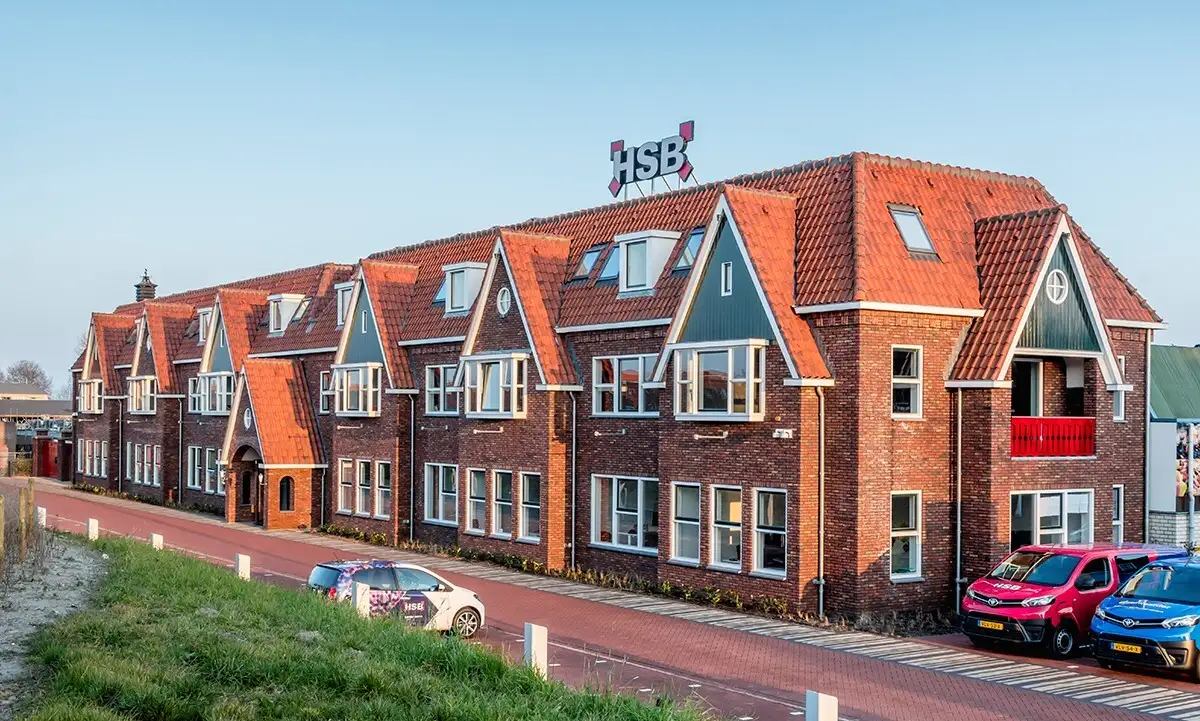
HSB reference

"Because Ed Controls is so user-friendly, we only have to explain it once."

William Bosschaart Project leader
Trebbe reference

"Inspection items are immediately clear from the photo, and I can pass them straight on to our co-makers and other partners."

Patrick Peet Head of residential production

More than snagging: construction management software for the whole project

What you record during the build is what you need at handover. Each phase builds on the one before.

A clear overview on site, every day

Spot something on site? Record it straight away as a point on the drawing, on the right plot and with one person responsible. Add a photo and a deadline, and the subcontractor sees immediately what needs doing. Nothing gets lost between messages, emails and loose lists.

  • Recorded with a photo and location on the drawing, per plot
  • One owner per item, who can forward it to a third party
  • Works offline, even in a shell with no signal

Inspect to plan, for every home at once

With forty similar homes, you don't want to set things up forty times. Roll out your inspection plan across all plots and drawings in one go. Every inspection is recorded with photos as evidence, so your quality records grow as you build.

  • Create audits for all plots at once
  • Standard inspection checklists or your own templates
  • Mandatory evidence before an item can be closed

Know what is still open on every home

Walk every home digitally with a fixed checklist. Place snags directly on the drawing for the right subcontractor, and see per plot what is still open. You know exactly where you stand before handover.

  • One audit per home, with snags on the drawing
  • Open items per plot and per subcontractor
  • Group items with labels, even across many tickets

Walk the home together, sign together

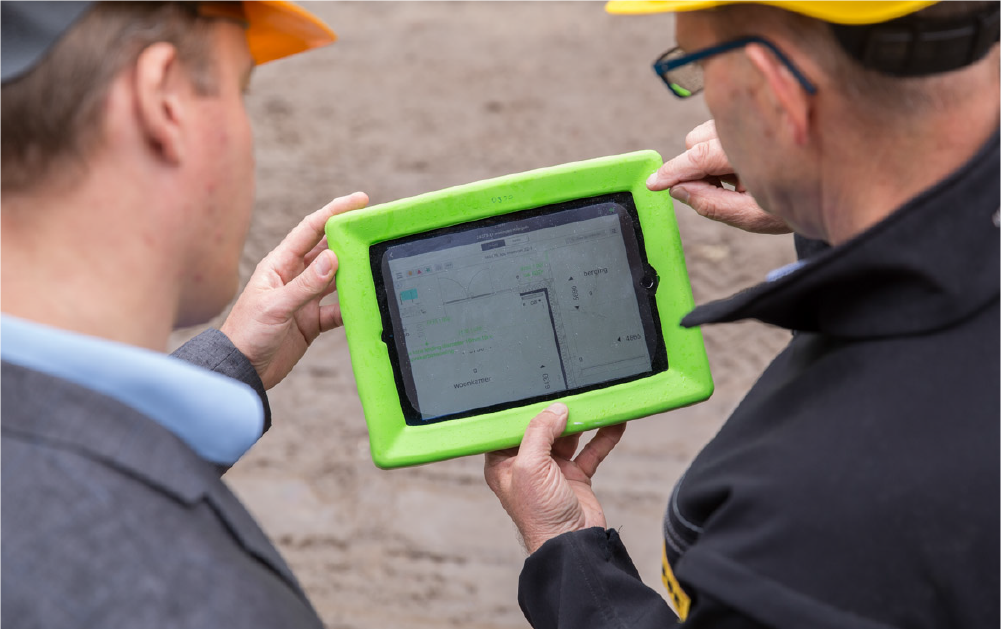
Use the app on your tablet or phone to walk the home with the buyer. If they spot anything else, record it with a photo on the spot. The buyer signs off digitally and the handover report is ready immediately.

  • Digital signature for the whole audit or per section
  • Handover file complete straight away, with all photos and closed items
  • Export the report as a PDF

The keys are handed over, the overview stays

Work doesn't stop at handover. Close out remaining items in the same project, with the same partners. Run property inspections for maintenance the same way. And take what worked into your next project.

  • Close out remaining items after handover in the same project
  • Digital property inspections for maintenance
  • Copy templates and project parts to your next project

"We have implemented our inspection protocols in Ed Controls."

Rico Vermeij Head of Project Preparation

Why housebuilders choose Ed Controls

Personal support

No chatbot, no ticket number. Every working day a colleague who understands your project is ready to help you straight away.

Works offline

In a shell with no signal you just keep recording. Everything syncs as soon as you are back online.

Evidence on every item

Make evidence mandatory, so nothing is closed without a photo.

Reuse what works

Copy templates, audits and project parts to your next phase or project.

One owner per item

Every ticket has exactly one owner. No discussion about who picks it up.

Data secure in Europe

Your project data is stored on servers in the EU and processed in line with the GDPR. Ed Controls is ISO 9001 and ISO 27001 certified.

Works with the tools you already use

Ed Controls fits the way you already work. Data flows back and forth without entering anything twice. Integrations include SharePoint, Salesforce, Power BI, ChatGPT, Claude and Gemini, and our open API connects other systems.

Microsoft SharePoint Salesforce Power BI Claude ChatGPT Gemini

Frequently asked questions

Can't find what you need? We are happy to help with any question about Ed Controls.

Still have a question?

Can't find your question? Get in touch, we're happy to help.

Contact us

A snagging app lets you record the handover of a home digitally: snags with a photo on the drawing, the buyer's signature and a handover report that is ready immediately.

With digital handover you record the whole handover in an app instead of on paper. It works in three steps:

  1. Pre-handover. The site manager walks every home with a fixed checklist. Snags are recorded with a photo on the drawing and go straight to the right subcontractor, so they are fixed before the buyer arrives.
  2. Handover with the buyer. You walk the home together. If the buyer spots anything else, you record it on the spot. The buyer signs off digitally and the handover report is ready immediately.
  3. Closing out snags. Open items stay linked to the plot. The responsible party fixes them, and after handover the buyer can report new issues with a photo. You keep the overview until the last item is closed.

The result: no paper lists to type up afterwards, fewer misunderstandings and complete records for every plot.

A handover file is the set of documents you pass to the client or buyer when a project is handed over. It shows what was built, with which materials and installations, and how the building should be used and maintained. It usually includes:

  1. As-built drawings and calculations
  2. Information on the materials, products and installations used, including warranties and certificates
  3. Operation and maintenance instructions
  4. The handover report, with any outstanding snags and the agreements on fixing them
  5. Evidence of the work, such as photos, inspections and completed checks

Exactly what you have to provide depends on your contract and local regulations. With Ed Controls you capture this evidence during the build. Tickets, audits, photos and signatures are kept in one place, so at handover you export complete and clear records.

Yes. You can create your own checklists or start with standard inspection checklists. Are your checklists in Excel today? You can import them into Ed Controls without retyping everything.

Yes. You copy checklists and complete project parts to a new project. With Excel you create inspections for all your plots in one go.

Subcontractors see their open tasks in the app, document their work with photos and mark tickets as done. Every trade works from the same information. You only pay for the people you name in projects, and there is also a project licence with unlimited concurrent users for a single project.

Yes. The app works fully offline, for example in a basement or an unfinished building with no signal. As soon as you are back online, Ed Controls syncs your data with the cloud automatically.

Yes. You use the same app for property inspections, such as condition surveys, inspections before renovation and maintenance inspections. With fixed checklists you inspect every home the same way, and you record details with a photo on the floor plan.

Ed Controls stores your data on servers in the EU and processes it in line with the GDPR. Ed Controls is ISO 9001 and ISO 27001 certified.

Get a clear view of your project. Everything in one place.

Know exactly what is happening on your project. Try it free for 30 days, no payment details required.